How Botanical Gardens Can Build Digital Plant Experts with AI-Generated Images
AI-powered plant experts help gardens build stronger connections with diverse audiences while reinforcing their brand identity. By combining storytelling, technology, and nature, botanical institutions can transform how people learn about and engage with the plant world.
Walk into any botanical garden, and you’ll notice something interesting.
The plants are incredible—but the way we experience them hasn’t changed that much.
A small label. A paragraph of text. Maybe a guided tour if you’re lucky.
For decades, that’s been enough. But today, it isn’t.
Visitors—especially younger ones—are used to interactive, visual, always-available information. They don’t just want to read about a plant. They want to understand it quickly, see how it works, and feel a connection.
That’s where the idea of a digital plant expert starts to make sense.
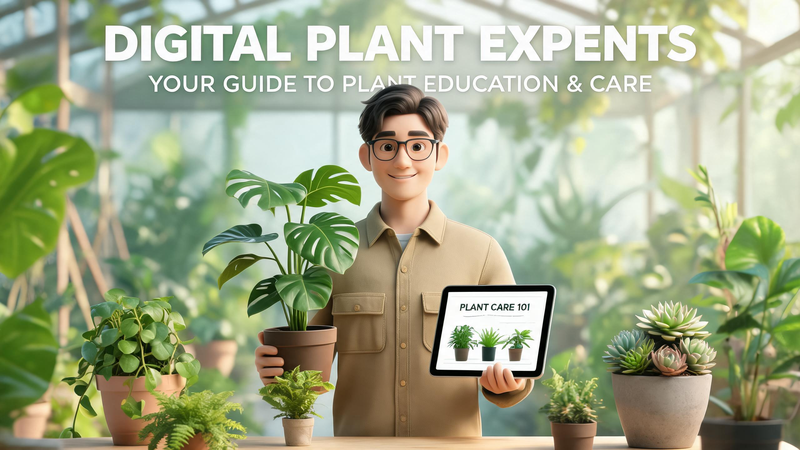
Instead of relying only on physical signage or human guides, imagine having a consistent “expert presence” that shows up everywhere—on screens, on your website, in social content—explaining plants in a way that’s visual, engaging, and easy to follow.
Not a cold database. Not just text.
Something that feels more like a guide.
The good news? You don’t need to build a complex AI system to start doing this.
In reality, most botanical gardens don’t struggle with knowledge—they struggle with how that knowledge is presented visually.
And that’s exactly where AI-generated images open up a much more practical starting point.
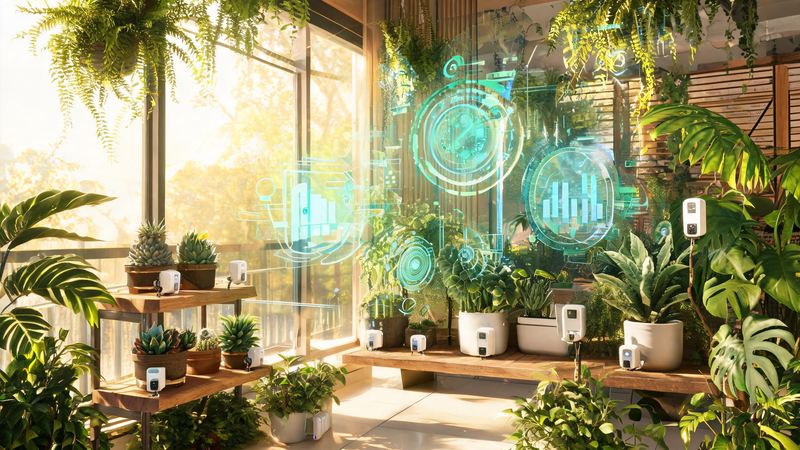
The Real Challenge: Why Plant Knowledge Doesn’t Scale Well
Botanical gardens are full of stories.
Every plant has something worth explaining—its structure, its origin, how it grows, why it matters. The problem isn’t a lack of content. It’s what it takes to turn that content into something people actually engage with.
Think about what’s required today.
If you want high-quality visuals, you typically need:
- A photographer or illustrator
- A designer to format the content
- Time to review and refine everything
- And then you repeat that process… for hundreds of plants
It adds up quickly.
So what happens in practice?
Most gardens prioritize a small set of highlights, while the majority of plants are left with minimal or purely informational content. Even when visuals exist, they often feel inconsistent—different styles, different tones, created at different times.
From a visitor’s perspective, the experience can feel fragmented.
And more importantly, it doesn’t match how people consume information anymore.
People are used to content that is:
- Visual first
- Easy to understand at a glance
- Consistent across platforms
- Designed to tell a story, not just present facts
This creates a clear gap.
Botanical gardens have incredibly rich knowledge—but they don’t always have a scalable way to show it.
And until that changes, it’s hard to build anything that feels like a true “digital plant expert.”
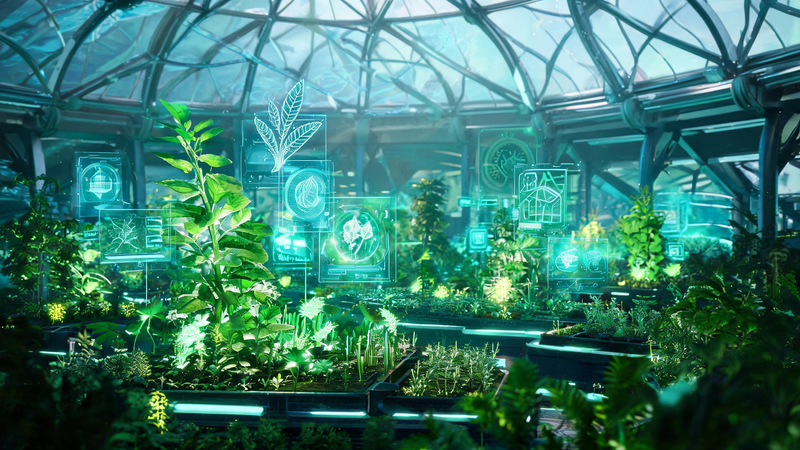
A More Practical Way to Start: Build the Visual Layer First
When people hear “AI” in this context, they often jump straight to big ideas—chatbots, voice assistants, fully interactive systems.
But in reality, that’s not where most botanical gardens need to begin.
If you strip it back, a “digital plant expert” doesn’t become useful because it can talk. It becomes useful because it can show things clearly, consistently, and at scale.
That’s the missing piece.
Before you worry about real-time answers or complex integrations, there’s a much more practical question:
👉 What does your plant knowledge actually look like to a visitor today?
If the answer is “a mix of photos, labels, and a few designed assets,” then the biggest opportunity isn’t intelligence—it’s visual consistency and scalability.
This is where AI becomes immediately useful.
Instead of treating every piece of content as a one-off design task, you can start building a simple, repeatable workflow based on three capabilities:
- Generate visuals from scratch when nothing exists
- Transform existing images into something more useful
- Combine multiple elements into a single, cohesive scene
Individually, these might sound like small improvements. But together, they change how content gets created entirely.
They turn visual production from something slow and manual into something flexible, fast, and much easier to scale.
And more importantly—they give you the foundation for something that actually feels like a digital plant expert.
Step 1 :Designing Your Digital Plant Expert
A good place to start is surprisingly simple: create the expert itself.
Not the system. Not the backend. Just the visual presence people will recognize.
Traditionally, this would mean hiring an illustrator, organizing a photoshoot, or working with a designer to create a character that fits your brand. It works—but it’s slow, expensive, and hard to iterate on.
With text-to-image generation, that process becomes much more flexible.
You can start with a simple idea:
- A friendly botanist standing inside a greenhouse
- A calm, knowledgeable guide surrounded by plants
- A modern eco-educator designed for younger audiences
From there, you describe what you want—style, lighting, mood, even camera angle—and generate multiple variations in seconds.
What makes this especially useful isn’t just speed. It’s the ability to explore.
You can:
- Try different visual directions without committing too early
- Adjust tone (more scientific, more playful, more premium)
- Match different formats by changing aspect ratios (square for social, widescreen for displays, vertical for mobile)
Over time, you start to land on something that feels right—not just visually, but also in how it represents your garden.
And that’s important.
Because once this “expert” exists, it becomes more than just an image. It becomes a recurring presence—something visitors start to recognize across different touchpoints.
At that point, you’re no longer just showing plant content.
You’re starting to build a guide.
Step 2: Turning Existing Plant Images into Something More Useful

Once your digital expert starts to take shape, the next question is usually: what about all the plants?
Most botanical gardens already have a large number of images—photos taken over the years, documentation shots, maybe even some designed materials. The issue isn’t starting from zero. It’s that these assets often aren’t ready to be used as clear, engaging educational content.
They’re either too raw, too inconsistent, or simply not designed for storytelling.
This is where image-to-image generation becomes surprisingly powerful.
Instead of replacing your existing visuals, it lets you build on top of them.
You take a real plant image, and then guide the AI with a prompt:
- Clean it up
- Change the style
- Highlight specific structures
- Turn it into something easier to understand
For example, a simple plant photo can become:
- A cleaner, more focused visual for display
- A stylized illustration that matches your overall look
- A more “educational” version that feels intentional, not accidental
The key difference here is control.
You’re not asking the AI to invent something new—you’re telling it how to transform what you already have.
Because the settings (like aspect ratio or model choice) stay consistent with how you generated your expert earlier, everything starts to align visually without extra effort.
Over time, this adds up.
Instead of a scattered collection of plant images, you begin to build a library that feels:
- Consistent
- Designed
- Ready to use across multiple formats
And that’s when your content starts to feel less like documentation—and more like a system.
Step 3: Bringing It All Together into Real Scenes
At this point, you have two strong pieces:
- A digital plant expert
- A growing library of improved plant visuals
But they still exist separately.
And that separation matters.
Because a real “digital plant expert” isn’t just a character, and it isn’t just a plant image. It’s the moment where the two come together—where something is being shown and explained at the same time.
This is where multi images to image generation becomes the turning point.
Instead of working with a single input, you can upload multiple reference images—your expert, a plant, even a specific visual style—and describe how they should combine.
For example:
- Use one image as the expert
- Use another as the plant
- Optionally bring in a third to guide the overall style
Then, through a structured prompt, you can define exactly what should happen:
- The expert stands next to the plant
- The environment matches your visual tone
- Everything blends into one coherent scene
If you need more precision, you can reference each input directly (like assigning roles to different images), so nothing gets lost or mixed up during generation.
What makes this step so important is that it moves you from assets → storytelling.
Instead of producing isolated images, you’re now creating:
- Educational frames
- Visual explanations
- Scenes that feel intentional and complete
And because you still control things like model choice, output format, and prompt refinement, the results are not just creative—they’re usable.
This is the point where everything clicks.
Your expert isn’t just a face anymore. Your plant visuals aren’t just references.
Together, they start to behave like something much closer to a real guide—one that can scale across hundreds of plants without losing consistency.
Where This Actually Shows Up: Real Use Cases in Botanical Gardens
Once you start thinking in this workflow, a lot of practical use cases begin to fall into place quite naturally.
Not as big, complicated systems—but as small, consistent improvements that add up.
For example, imagine a visitor walking through the garden and scanning a plant label.
Instead of landing on a plain page, they see a visual card:
- The same familiar digital expert
- Standing next to the plant they’re looking at
- Highlighting key details in a clear, visual way
No long paragraphs. No guessing. Just something easy to understand at a glance.
The same idea can extend beyond the garden itself.
On social media, instead of posting isolated plant photos, you can create a series:
- The same expert introducing different plants
- A consistent visual style across every post
- Content that feels connected, not random
For exhibitions, this becomes even more powerful.
You can design entire visual sequences where:
- Each plant is introduced in the same format
- The expert appears throughout as a guide
- The experience feels curated rather than assembled
Even educational materials start to shift.
Instead of static diagrams or mismatched visuals, you can produce:
- Clean, styled plant explanations
- Visual stories that are easier to follow
- Content that works both online and offline
None of these require a full AI system.
But together, they start to feel like one.
Why This Works Better Than Traditional Content Production

What makes this approach effective isn’t just the technology—it’s how it changes the way content gets made.
Traditionally, creating visual materials for a botanical garden is slow and resource-heavy. Each new asset is treated as a separate project, which makes it hard to stay consistent or scale efficiently.
With an AI-driven workflow, that dynamic shifts.
You’re no longer starting from scratch every time. You’re building on top of:
- A defined visual identity (your expert)
- A growing set of transformed plant assets
- A repeatable way to combine everything into finished scenes
That creates a different kind of momentum.
Content becomes:
- Faster to produce — because generation and iteration take seconds, not days
- More consistent — because the same logic and structure apply every time
- Easier to expand — because adding new plants doesn’t mean rebuilding the system
And just as importantly, it becomes more aligned with how people actually engage today.
Visual, clear, and immediate.
Not buried in text. Not dependent on context.
Just something that makes sense the moment you see it.
A Simple Workflow You Can Try Today
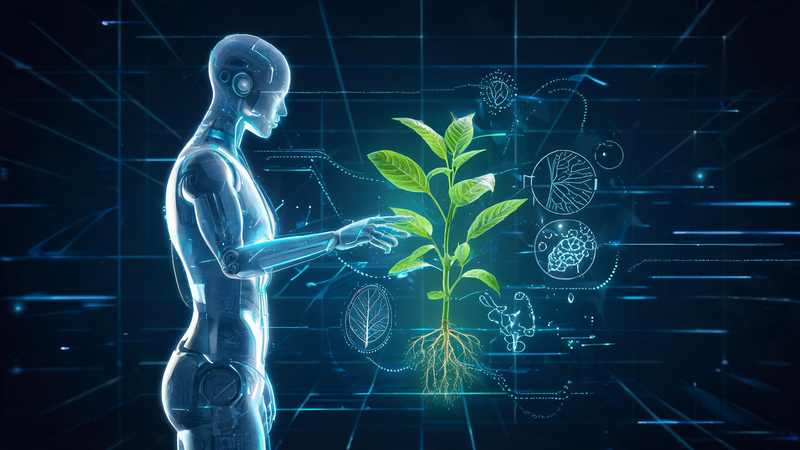
If you’re wondering how to actually start, the process is simpler than it might seem.
You don’t need a full system. You just need a small, repeatable workflow.
Here’s one way to approach it:
Step 1: Create your digital expert
Start with text-to-image. Describe the kind of plant expert you want—tone, setting, personality—and generate a few variations until one feels right. This becomes your consistent visual anchor.
Step 2: Upgrade one plant example
Take a real plant photo and run it through image-to-image. Don’t overthink it—just improve image clarity, adjust the style, or make it more presentation-ready. Think of this as turning a raw asset into something usable.
Step 3: Combine them into a single scene
Now bring both into a multi-image workflow. Use your expert as one input and the plant as another, then describe how they should appear together. Keep it simple: the expert introducing the plant, in a clean and clear composition.
Step 4 — Iterate, don’t perfect
Generate a few versions. Small prompt changes can lead to big improvements. The goal isn’t perfection on the first try—it’s finding a direction that works and building from there.
After just one cycle, you’ll have something tangible:
- A recognizable expert
- A styled plant visual
- A complete scene that actually explains something
From there, scaling becomes much easier. You’re no longer guessing—you’re repeating a process that already works.
From a Simple Workflow to a Scalable System
What starts as a simple three-step workflow can quickly evolve into something much more powerful.
At first, you might only create a handful of examples—one expert, a few plants, a couple of scenes. But once the structure is in place, scaling doesn’t feel overwhelming anymore.
It becomes a matter of repetition, not reinvention.
You can:
- Introduce new plants using the same visual format
- Reuse your expert across different themes or seasons
- Adapt content for social media, exhibitions, or digital guides
And because everything is built on the same underlying logic, the experience stays consistent—even as it grows.
Over time, what you’re really building isn’t just content.
It’s a visual system.
One that can support future layers, whether that’s interactive interfaces, guided experiences, or even conversational features down the line.
Why This Approach Feels Different
There’s a reason this workflow works so well, especially for teams that don’t have large budgets or technical resources.
It doesn’t try to solve everything at once.
Instead, it focuses on a single question:
👉 How do we make plant knowledge easier to see and understand?
By answering that first, everything else becomes more manageable.
You’re not stuck waiting for a full platform rebuild.
You’re not dependent on complex integrations.
You’re simply improving how your content is created—and how it’s experienced.
And in many cases, that’s enough to create a noticeable shift.
Visitors engage more.
Content feels more intentional.
The garden starts to present itself in a more modern, cohesive way.
Final Thoughts: Start Small, Then Grow
You don’t need to launch a fully developed “AI-powered plant expert” to start making progress.
In fact, trying to do too much too early often slows things down.
A better approach is to start small:
- One expert
- One plant
- One clear visual story
Then repeat.
Because once that first example works, everything else becomes easier to build.
And before long, you’ll have something that feels much bigger than the sum of its parts—
Not just a collection of images,
but a system that helps people see, understand, and connect with plants in a completely different way.